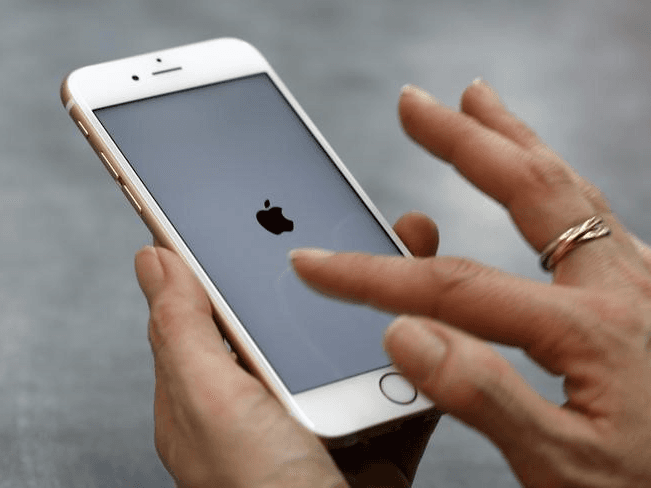
A new bug in iPhone can permanently break users’ WiFi by disabling it, the issue could be triggered by simply connecting to a rogue hotspot.
The researcher Carl Schou discovered a new bug in iPhone that can permanently break users’ WiFi by disabling it, the issue could be triggered by simply connecting to a rogue hotspot.
Once an iPhone established a WiFi connection to a rogue hotspot, it will no more be able to establish a connection to a Wi-Fi device, even if it is rebooted or the WiFi hotspot is renamed.
Schou noticed the issue because he had problems after logging into his personal WiFi hotspot named %p%s%s%s%s%n using his iPhone running iOS 14.4.2, but the expert noticed that the issue also impacts iPhone XS, running iOS version 14.4.2.
“This week, reverse engineer Carl Schou ran into an issue when connecting to his personal WiFi hotspot named:%p%s%s%s%s%n” reported BleepingComputer. “On connecting to the hotspot, his iPhone’s WiFi would be disabled, and every time he tried to enable it again, it would quickly turn off, even if he restarted the device or the hotspot name was changed.”
This kind of bug could have a severe impact in a real attack scenario that sees a threat actor setting up an open rogue WiFi hotspot in a crowded area such as a hotel hall or a station.
The only way to restore the Wi-Fi functionality was to reset the network settings of the impacted iPhone.
The experts confirm that the same attacks don’t work against Android devices.
Which is the root cause of this problem?
Independent security researchers speculate that the flaw could be caused by a parsing issue in the Wi-Fi settings.
Apple iOS may be misinterpreting the letters following the character “%” as string-format specifiers instead of considering it as part of the name of the specific hotspot.
How to restore Wi-Fi Connectivity on impacted iPhone devices?
The only way to restore a device is to reset your iOS network settings with these simple steps:
- Go to Settings on your iPhone, select General.
- Select Reset.
- Select the ‘Reset Network Settings’ option, the device will reboot and network settings will be reverted to the factory default.
Follow me on Twitter: @securityaffairs and Facebook
| [adrotate banner=”9″] | [adrotate banner=”12″] |
(SecurityAffairs – hacking, iPhone)
[adrotate banner=”5″]
[adrotate banner=”13″]